
Calm books. No April scramble.
Income, expenses and miles in Schedule C-style categories, with a set-aside tracker for every estimated-tax period. Built for US handmade sellers.
$19
- Instant download
- Google Sheets + Excel 2016+
- No macros or subscription
- Filled demo file included
Secure checkout by Gumroad, our merchant of record. Sales tax or VAT is added at checkout where it applies.
Instant download: by completing your purchase you expressly agree that the download starts immediately, before the 14-day withdrawal period ends, and you acknowledge that you lose your EU/UK right of withdrawal once the download is made available. See our terms.
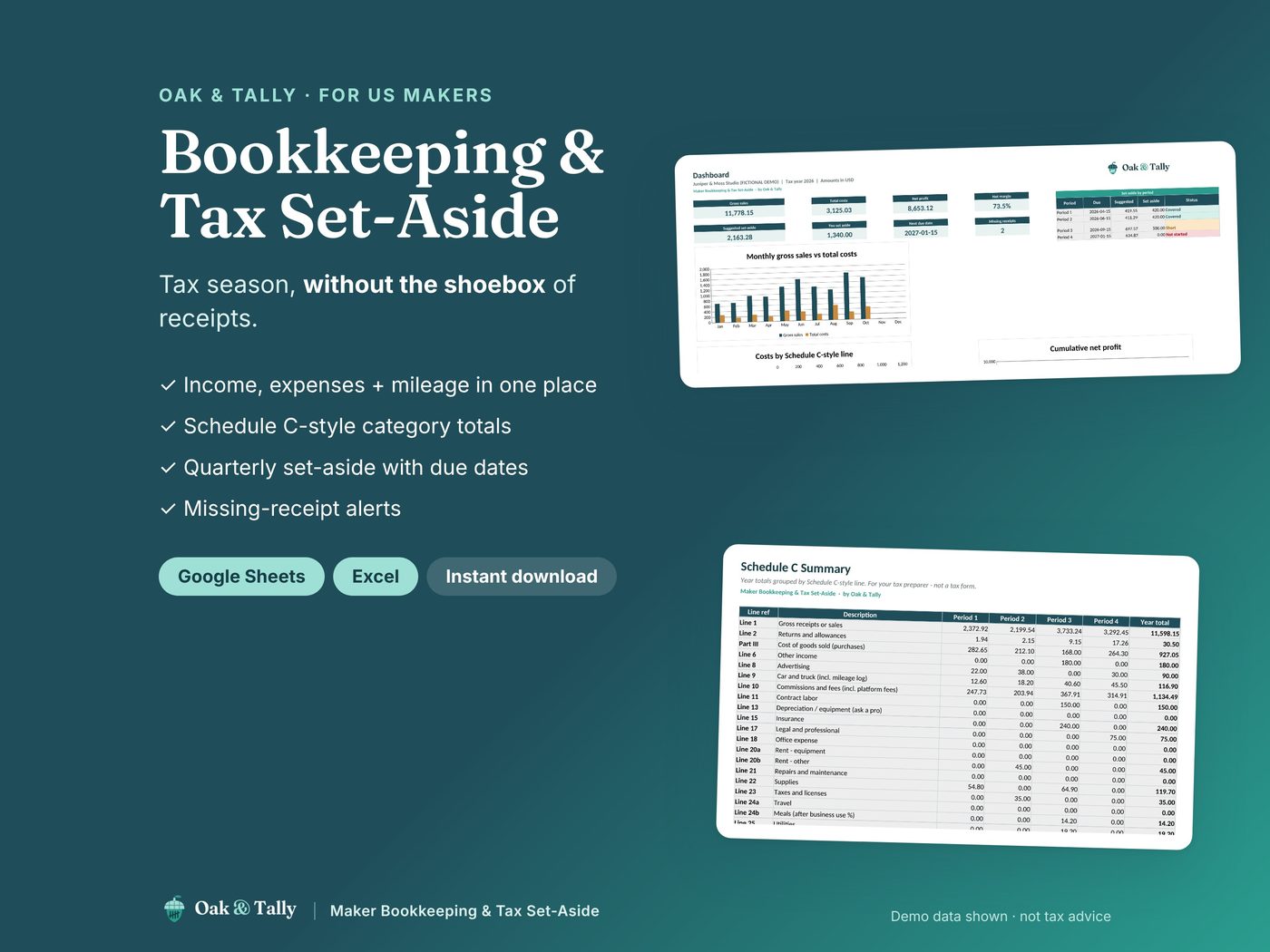
Most makers don't hate taxes. They hate the scramble.
Hunting for receipts, guessing at categories and finding out in April that nothing was set aside. Marketplace payouts arrive in full, and the tax bill comes later.
After setup, you'll be able to:
- Have income, expenses and miles in one place, sorted into Schedule C-style categories.
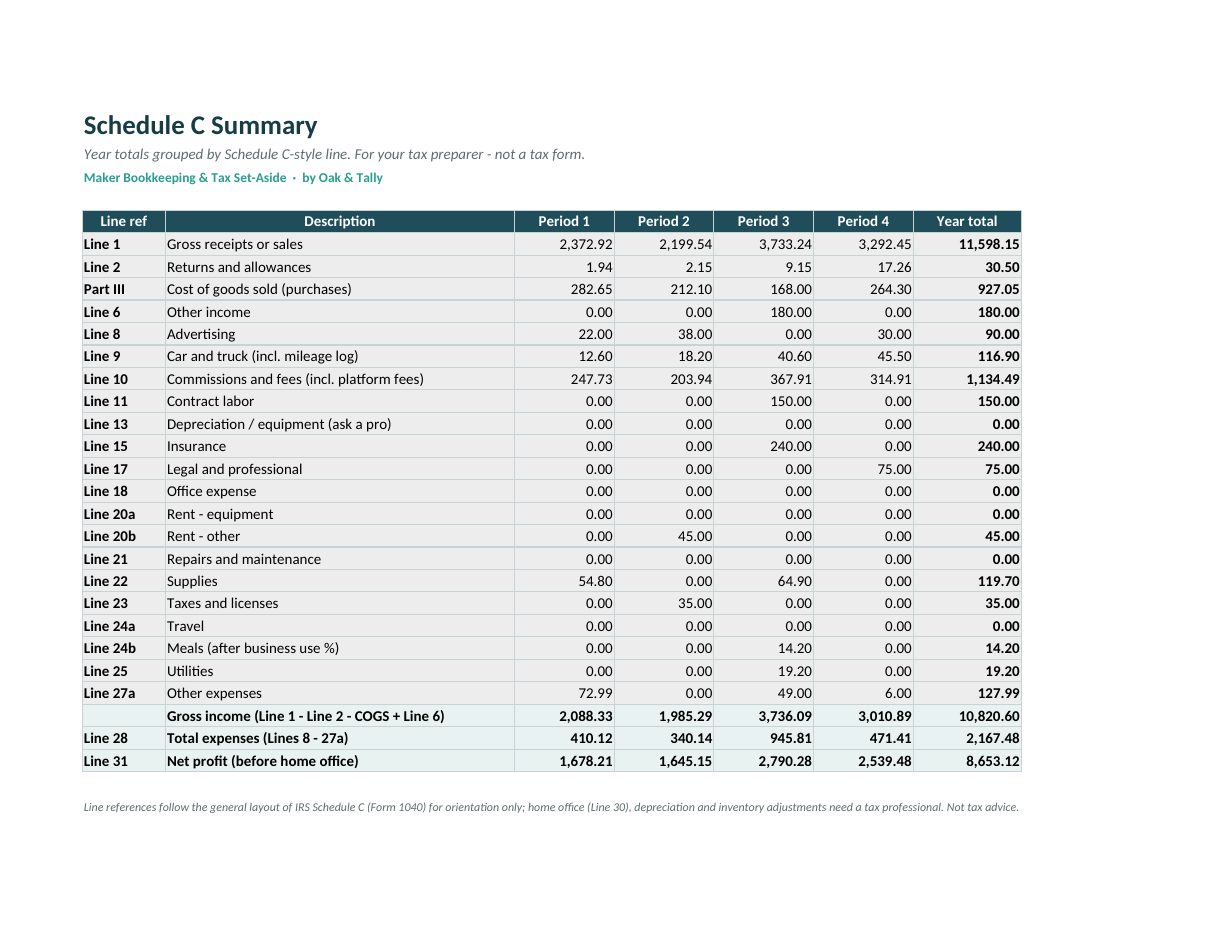
- Hand your preparer a tidy year-end summary by line.
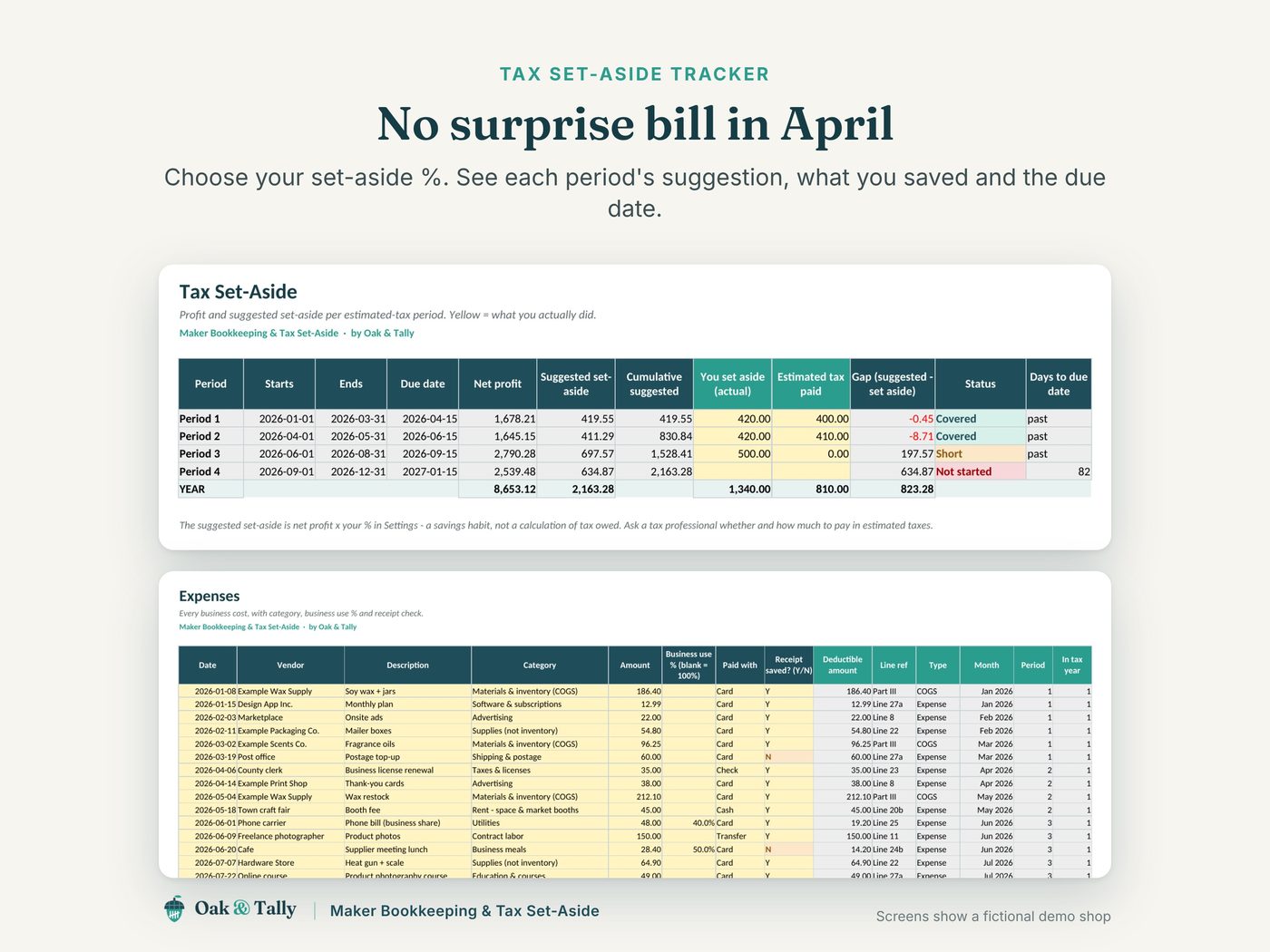
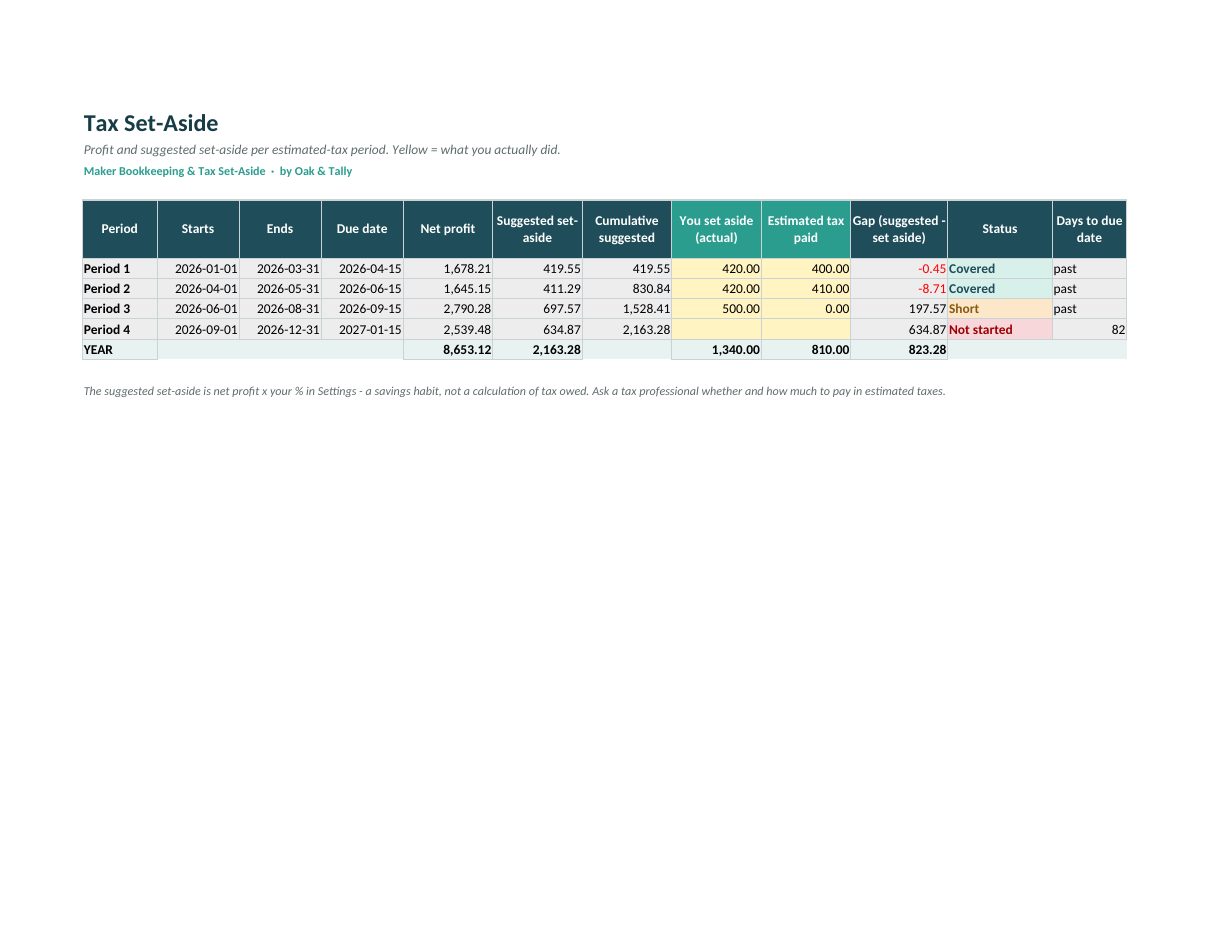
- See a suggested set-aside for each estimated-tax period, what you've saved and whether you're covered or short.
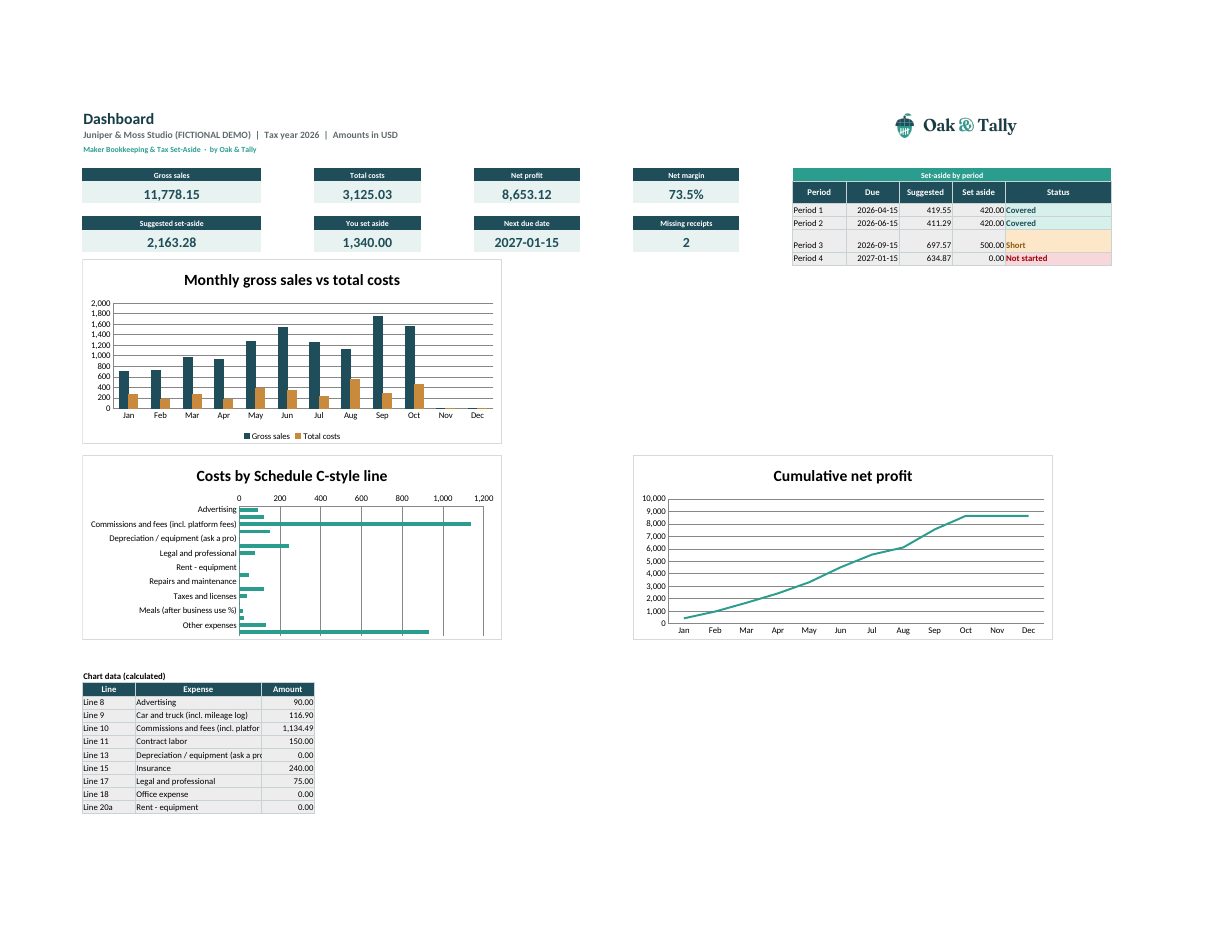
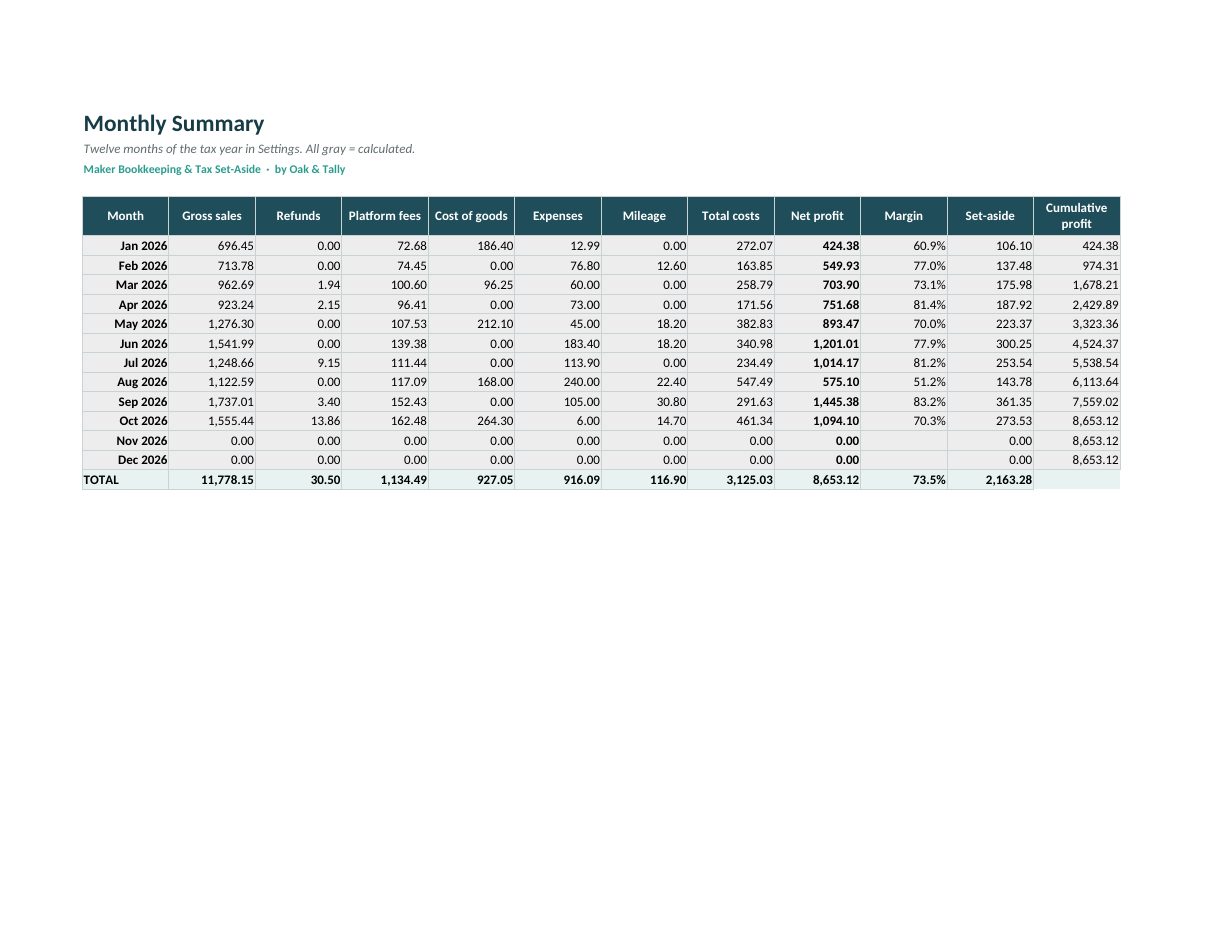
- Track profit and margin month by month.
Maker Bookkeeping & Tax Set-Aside
Income log
Gross sales, refunds and platform fees per payout, with fees counted once.
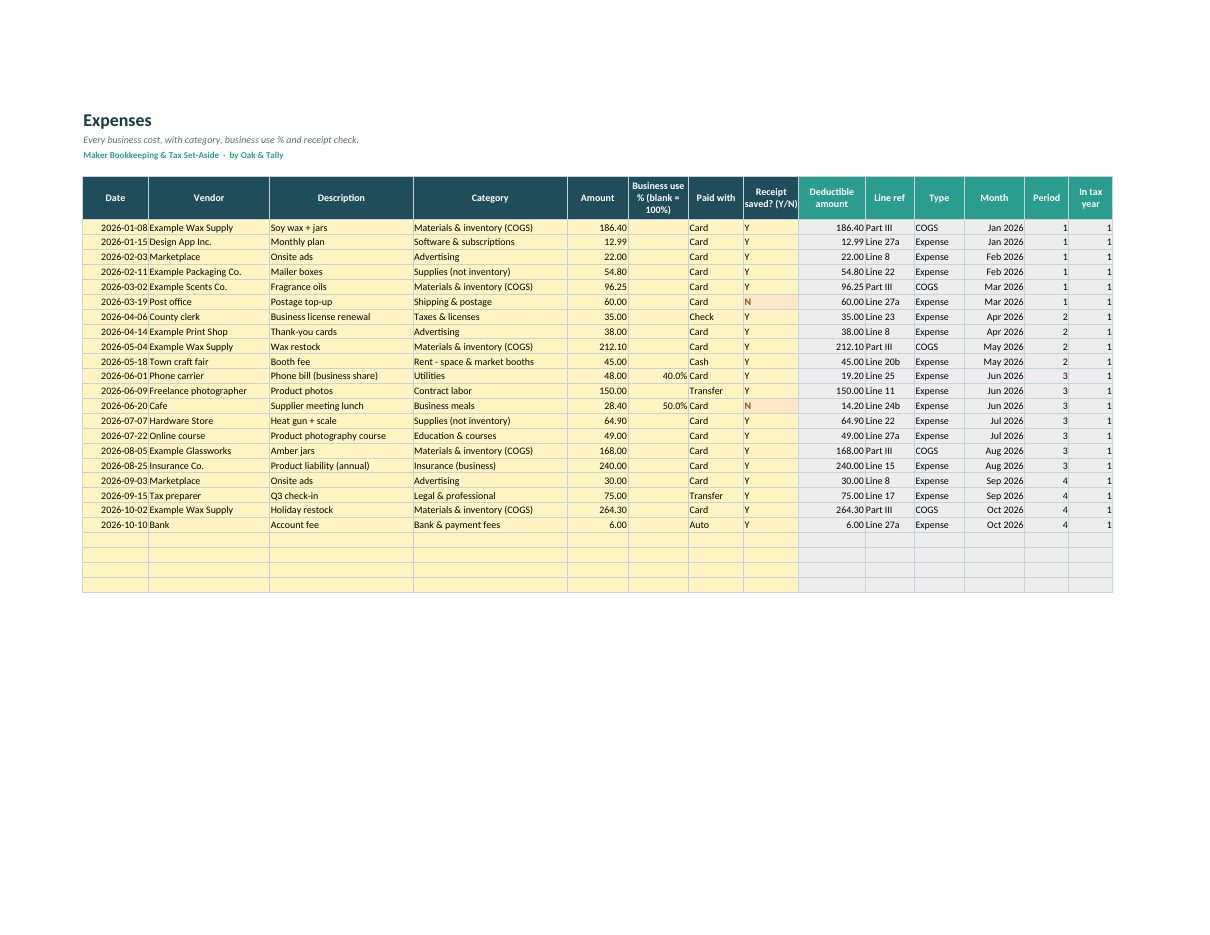
Expense log
26 Schedule C-style categories, business-use %, and a receipt check column.
Mileage log
Trips to the post office and markets, at the rate you set.
Tax Set-Aside
Your profit times the % you choose, per period, with due dates and a Covered / Short status. Dashboard with 8 key numbers and 3 charts.
See it working
Screenshots from the DEMO file, which uses a fictional shop.
Connected tabs
Start Here · Settings · Categories · Income · Expenses · Mileage · Monthly Summary · Schedule C Summary · Tax Set-Aside · Dashboard
Files in your download
- Maker-Bookkeeping-Tax-Set-Aside_BLANK.xlsx
- Maker-Bookkeeping-Tax-Set-Aside_DEMO.xlsx: a fictional shop's year
- Maker-Bookkeeping-Tax-Set-Aside_Start-Here.pdf: setup steps and your Google Sheets "Make a copy" link
Type in the yellow cells. We do the math.
Set your rates
Your set-aside %, mileage rate and due dates, once a year.
Log as you go
Payouts, expenses and miles. A few minutes a week.
Check your set-aside
See what to put aside each period, and hand the summary to your preparer.
A good fit if…
- You're a US-based maker or small online shop filing a Schedule C (or planning to).
- You want simple, tidy records without accounting software.
- You'd like a steady habit of setting money aside for tax.
Not the right tool if…
- You need tax calculated or filed for you. This is not tax software, and the set-aside is not a tax calculation.
- You're outside the US. The categories follow US Schedule C, so they may not match your country.
- You have employees, inventory accounting or several entities. Talk to an accountant.
Before you buy
"My preparer handles all this."
Great. This sheet gives them tidy totals by line instead of a shoebox of receipts, which can save you both time.
"I'm not sure what percentage to set aside."
Neither the sheet nor we can tell you that. Ask a tax professional, then enter the % once. Our blog post on set-asides explains the idea in plain English.
"I only sell a little."
Small shops benefit most from a simple habit. Logging takes a few minutes a week.
FAQ
Does it calculate my tax?
No. The set-aside is your profit times the % you choose. Ask a tax professional what percentage fits you.
Are the mileage rate and due dates current?
They're editable examples. Check the current IRS figures and enter them once.
Is it affiliated with the IRS?
No. Schedule C line references are for orientation only.
Do I need Excel?
No. Every template works in Google Sheets, which is free in any browser, and in Microsoft Excel 2016 or newer on Windows or Mac. Your download includes a Start Here PDF with a Google Sheets "Make a copy" link.
Are there macros, add-ons or a subscription?
No. These are plain spreadsheet formulas. You pay once, keep the file and can use it for as long as you like.
Is this tax or accounting advice?
No. The templates help you organize and estimate your numbers. Results depend on the data and rates you enter. For tax questions, talk to a qualified professional.
Can I use it in another currency?
Yes. The currency is a label, so type amounts in your own currency. Nothing is converted.
How do I get the files?
Checkout runs on Gumroad. Right after you pay, Gumroad shows a download page and emails you a receipt with the link. Your download holds the BLANK file, a DEMO file and the Start Here PDF.
What if something doesn't work for me?
Write to us through Gumroad or at [email protected] and the Oak & Tally team will help you get it working. Please read our terms for how refunds work for digital downloads.
Are you connected to Etsy?
No. Oak & Tally is independent. Etsy is a trademark of Etsy, Inc. Our templates are not affiliated with, sponsored or endorsed by Etsy, Inc.
Want all three templates?
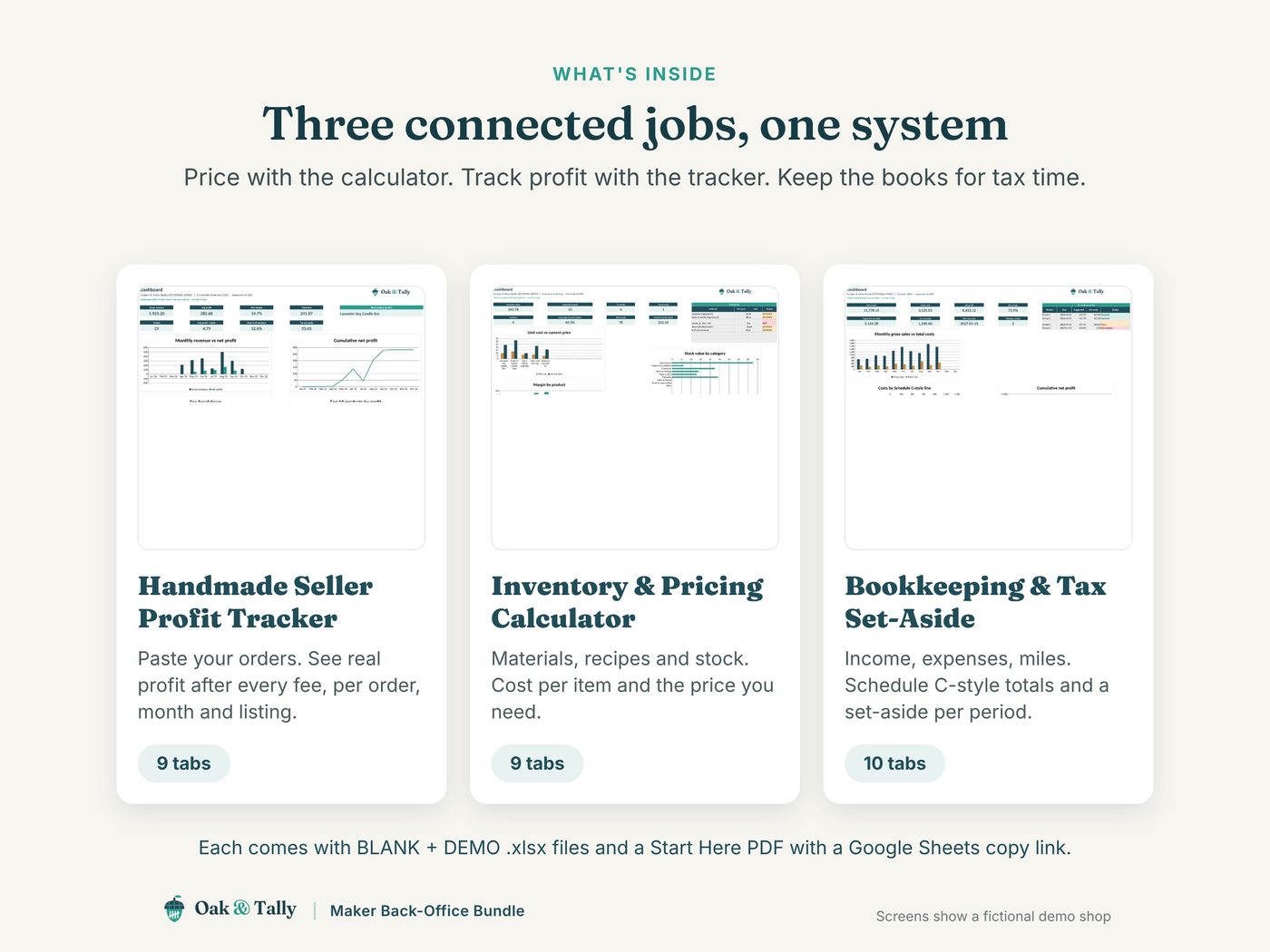
The Maker Back-Office Bundle has this template plus the Handmade Seller Profit Tracker and the Maker Inventory & Pricing Calculator. $39 instead of $54 separately.
Maker Bookkeeping & Tax Set-Aside
$19
Not ready? Try the free Etsy Fee & Profit Calculator first.
Not tax, legal or accounting advice. Our templates are organizing and estimating tools; results depend on the data and rates you enter. Etsy is a trademark of Etsy, Inc. Oak & Tally is independent and not affiliated with, sponsored or endorsed by Etsy, Inc. Screenshots show a fictional demo shop.